I’ve had this requirement in several of my developments where I needed to clean the tables during development and testing. In the PowerApps portal, you can select and delete records from a Dataverse table but this is such a pain when you have many records. I searched a solution for this and different threads suggests different approaches. Here’s my approach for this with a cloud flow and this post will describe how to do it in 5 easy steps!
1. Create an instant cloud flow. Choose PowerApps (V2) as the trigger.

2. In your flow, insert a new step with Dataverse List rows.

3. Select your table where the records need to be deleted from the Table name drop down.

I needed to bulk delete of all records, so I haven't mention any condition. If you need to delete records based on a condition, add a valid Odata filter in the Filter rows.
4. Add a New Step and choose Dataverse Delete a row action.

5. Choose the same table name as above. Choose the column with the description Unique identifier for entity instances as the Row ID.

Save your flow and we are done!
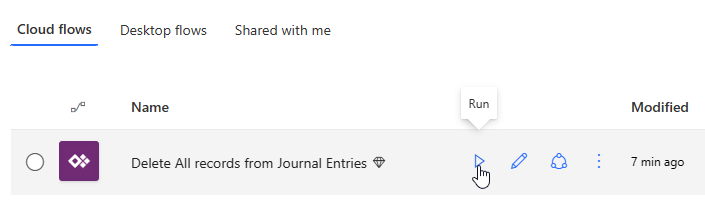
To run the flow, go to the cloud flows and Run the flow.

 DSJ's Blog
Hi Damith, thanks for your post. Could you please clarify which part is a “bulk delete” mentioned in the title? Reviewing your flow it looks like records are being removed in a loop (apply to each).
Hi,
Sorry if the title is misleading. the post is about mass deleting of records from a table and it’s done in a loop.